|
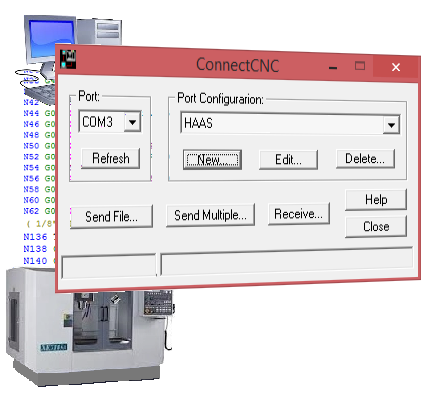
ConnectCNC is a popular, economical and very easy to set up DNC / file-transfer software application.
Don't buy your CNC file transfer software until you have tried the fully functional demo for up to thirty days!
⇓ Read more.
- Easy setup.
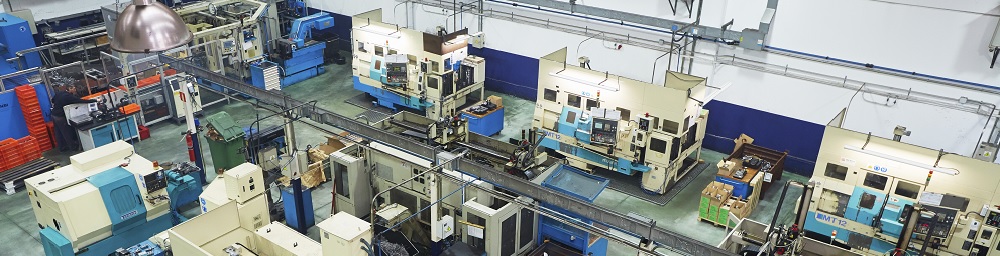
- Use ConnectCNC for any number of CNC machines from one computer.
- Simultaneous file transfer or DNC (direct numerical control,or "drip feed") capability is limited only by the number of available COM ports, or USB ports, on your PC.
- Each of the CNC controls in your shop can have its own unique configuration, port designation and file folder for easy management of your CNC g-code programs.
Our Help file has step by step instructions for setting up DNC communications between CNC control and PC. This website lists specific configurations for many popular controls. If your CNC control is not listed here, contact us - we're constantly adding to our collection!
See this page for an illustration of the easy to use configuration panels.
⇑ See less.
|